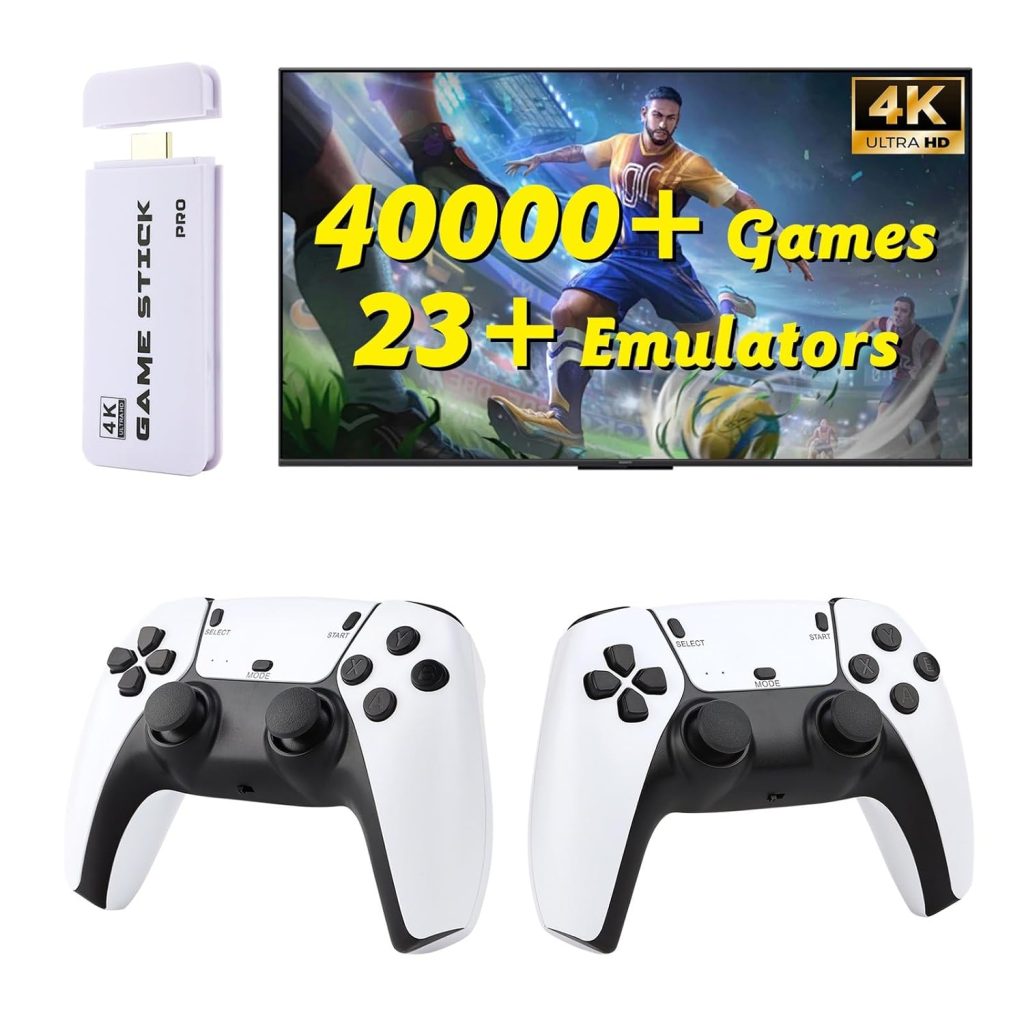
Alright, let’s talk about another one of these retro game sticks. You know the drill. Most of ‘em are glorified flash drives crammed with shovelware ROMs, running on hardware barely powerful enough to display a static image, let alone a game. My desk drawer is a graveyard of them, mostly forgotten after about an hour. But this one, the 4K Retro Game Console Stick for TV, HDMI Plug & Play, actually managed to stick around. Didn’t immediately annoy me. That’s saying something, believe me.
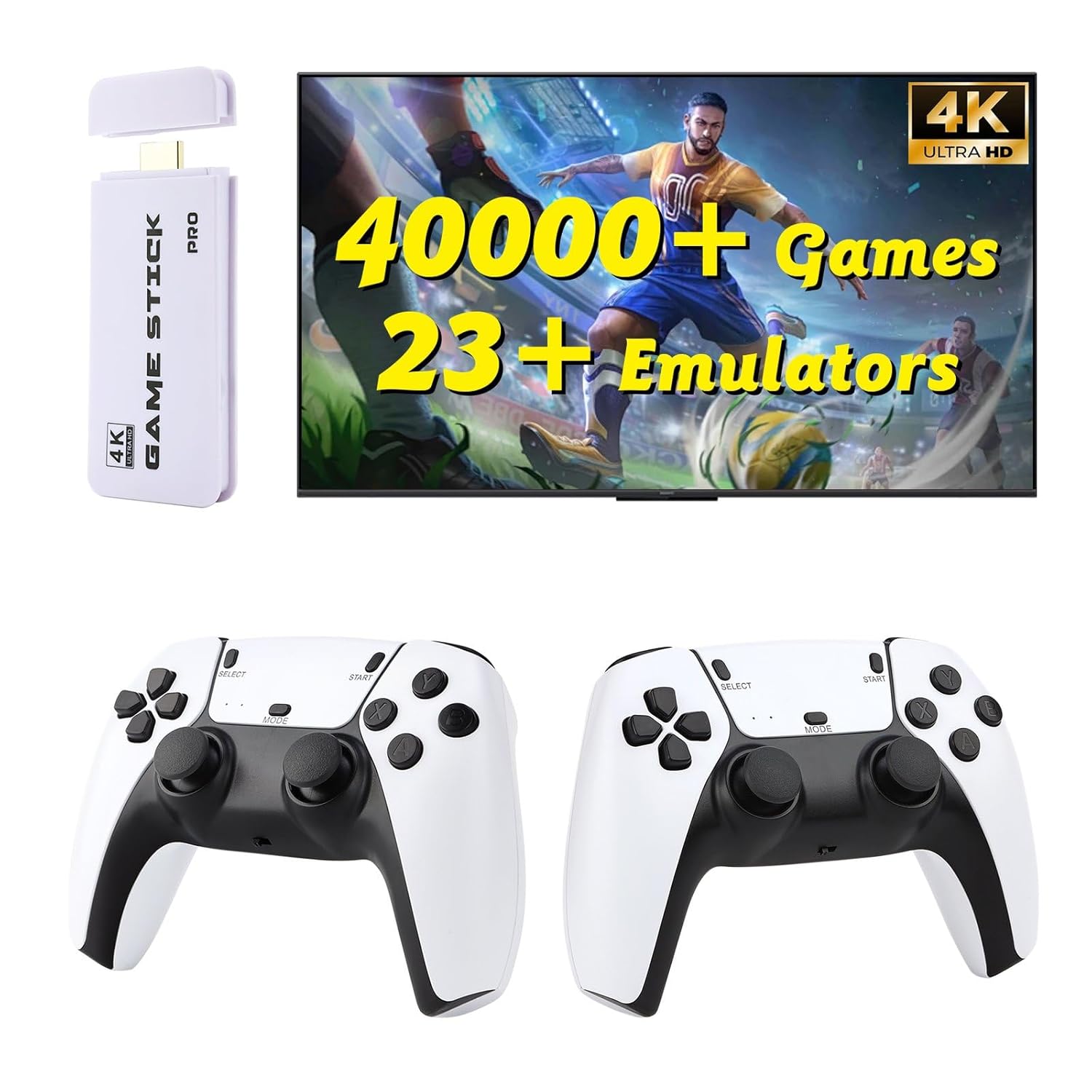
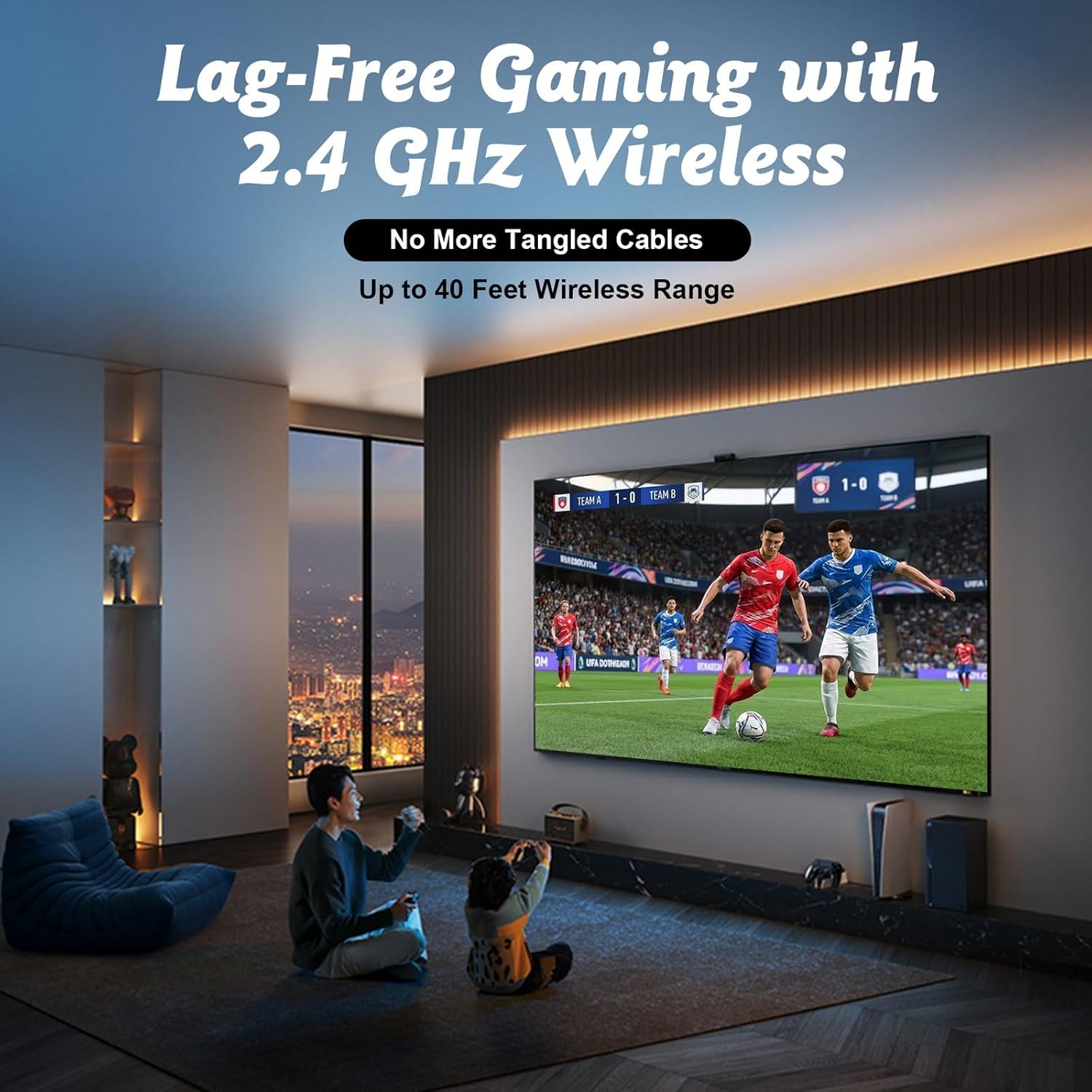
The thing that actually hit me first, weirdly enough, wasn’t the games or the 4K promise – that’s always a laugh, more on that later – but the controllers. They’re wireless, obviously. Look like PlayStation 2 knock-offs, which is fine. But they paired without a fight. No endless button presses, no weird sequences. Just plug in the little USB dongle, flick the switch on the controller, and boom. Connected. (I’m still waiting for my coffee to kick in, by the way, so that easy win felt bigger than it probably was). That’s a stark contrast to some other systems, like those cheap Android boxes that come with janky Bluetooth pads that disconnect if you breathe too hard. These things held a connection. Solid.
Look, I’ve been messing with handhelds like the Anbernic RG35XX Plus for months. Great little device, that Anbernic. Its screen is honestly more polished, the custom firmware options are killer, and the physical buttons feel… premium, for what it is. The build quality of the Anbernic is a cut above. But here’s the thing: the 4K Retro Game Console Stick for TV, HDMI Plug & Play, actually beats it when it comes to living room couch co-op. You can’t just hand someone an Anbernic and expect them to immediately get it, then awkwardly mirror it to a TV if you even have the right cable. This stick? You plug it in, hand out the two wireless controllers, and you’re playing Metal Slug 3 in minutes. It feels like it was built by people who actually use the product in a casual setting, unlike the sometimes fiddly Anbernic, which is more of a personal, enthusiast device. The Anbernic requires a bit more commitment. This stick is for the "I just want to play some old games with a buddy" crowd. Fair enough.
Dirty 3-Day Field Test
Day 1: The Setup Grind
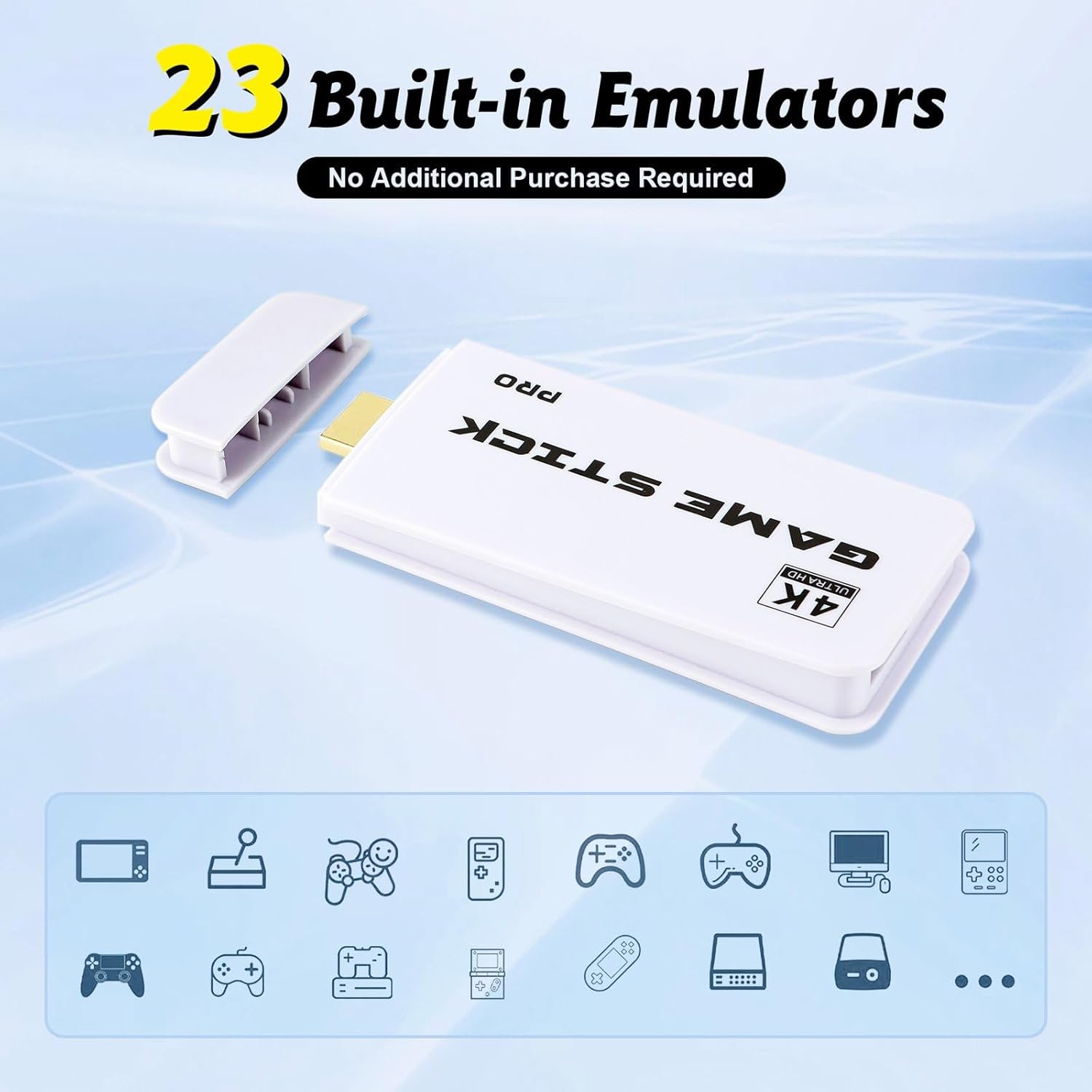
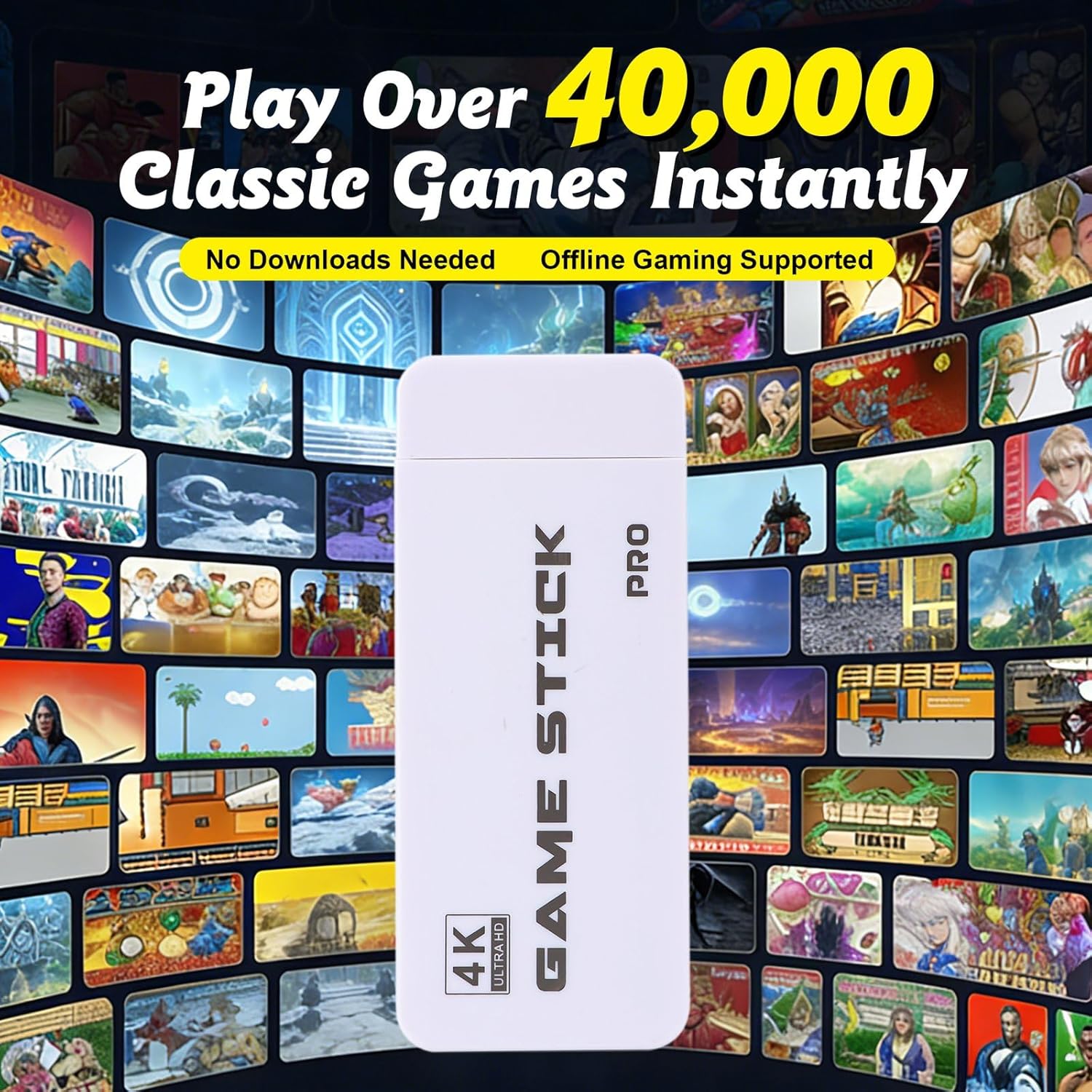
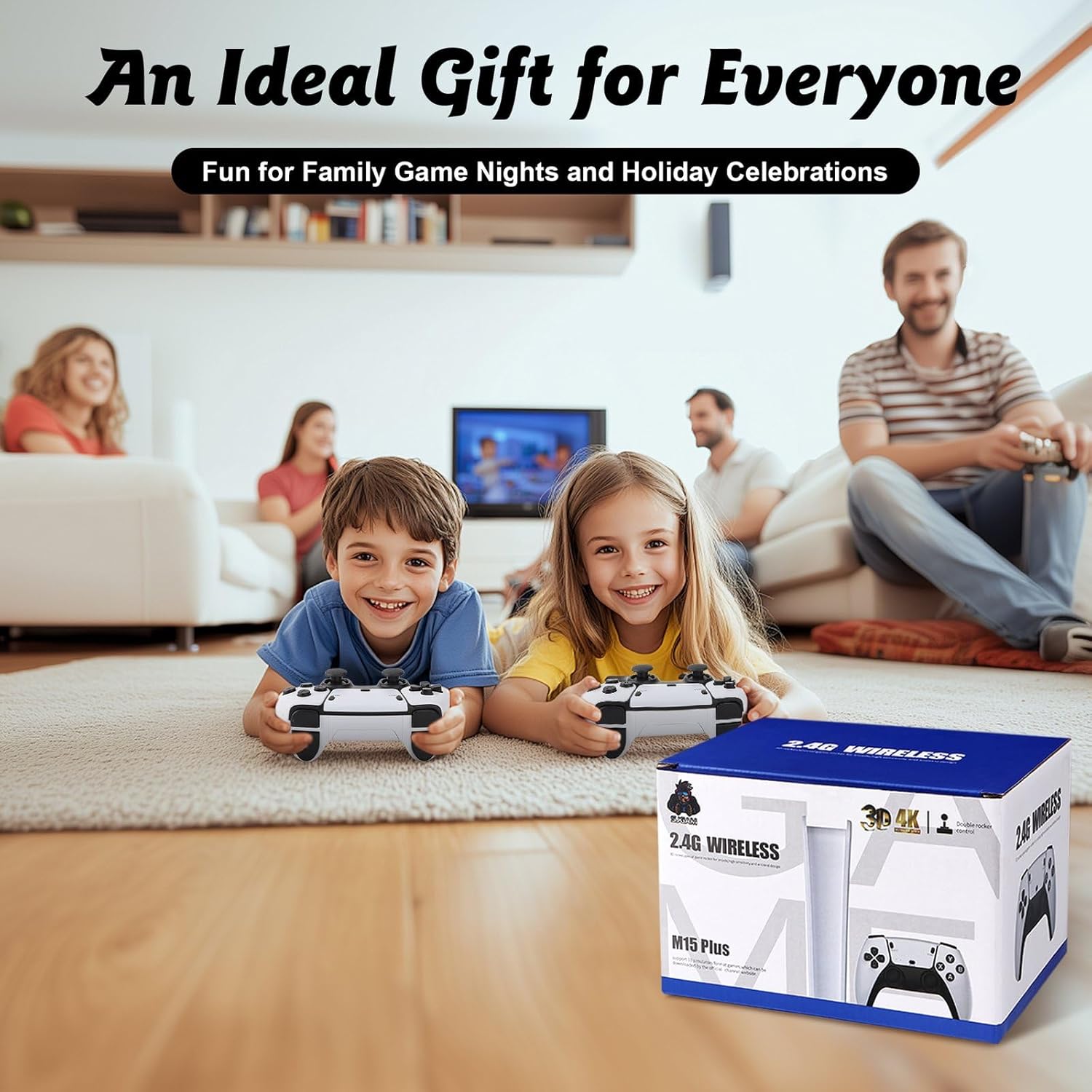
The packaging was a nightmare to open, standard blister pack stuff, the kind you need kitchen shears and a fair bit of anger to get through. Not dangerous, just annoying. Once I got the thing out, the stick itself felt surprisingly heavy. In a good way. Like there was actual hardware inside, not just air and a paperclip. It’s a small HDMI dongle, slightly larger than a USB flash drive, but it’s got some heft. Plugged it into the back of my primary TV, tucked away behind the soundbar. It needs USB power, obviously. My TV has a spare USB port, so no external adapter needed. Nice. The two wireless controllers came pre-charged, which was a pleasant surprise. Flicked the switch on both, plugged in the tiny 2.4GHz dongle – it’s a separate one, not built into the stick – and they instantly synced. Navigating the main menu for the first time felt responsive. Not lightning fast, but no noticeable lag. The menu itself is… functional. Basically a list of emulators, then lists of games. Very barebones. Expected. I spent an hour just scrolling through the sheer number of games, which is both impressive and overwhelming. Most are garbage, sure, but the big hitters are there. Played some old NES stuff, Mario Bros. 3. Felt right. The controllers had enough weight to them. Not cheap plastic feeling. Actually, decent.
Day 2: Real Usage – The Grind Continues
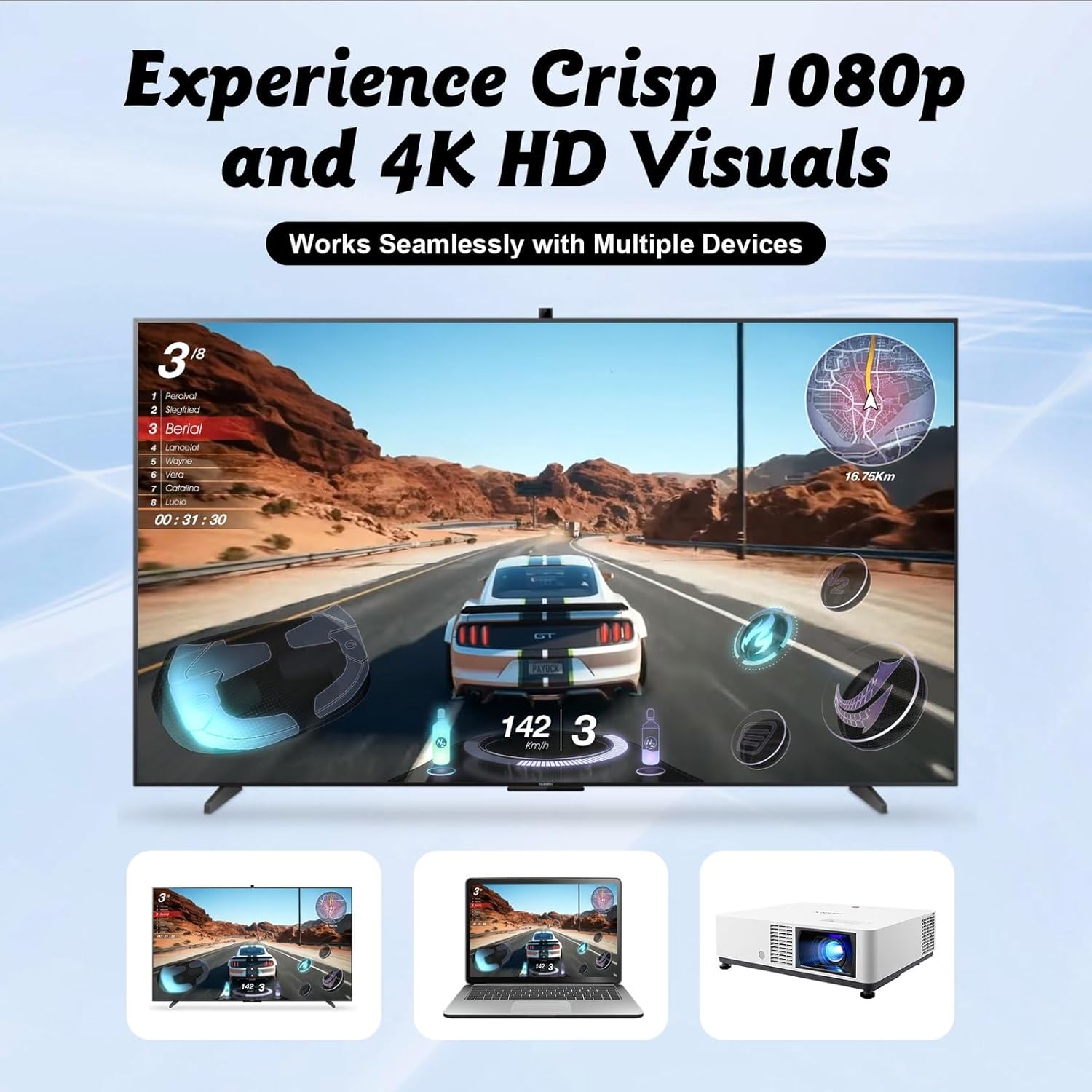
This is where it usually falls apart. Controller lag. Video tearing. Audio out of sync. Not here, mostly. The grip on the controllers feels solid, reminiscent of those old PS2 pads. Not premium, but not flimsy either. The D-pad is decent for pixel-perfect platformers, certainly better than a lot of generic USB controllers I’ve used. It doesn’t make that annoying clicking sound a lot of budget controllers do. The face buttons have a decent throw. No mushiness. I spent a good six hours hammering through Street Fighter II Turbo and some SNES titles like Super Metroid. The video output is clean, for retro games. Don’t expect native 4K, that’s marketing fluff for scaling to a 4K display. But it handles 720p/1080p output fine, upscaling the pixel art without making it look like blurry garbage. Input lag was minimal, genuinely. I was pulling off quarter-circle motions in SFII without feeling like I was fighting the hardware. The stick itself didn’t get noticeably hot, which is a common failure point for these tiny boxes. Stayed cool enough. The power delivery through the TV’s USB port was stable, no dropouts or restarts. The controllers, running on internal batteries, actually held up through the whole session. Didn’t die on me. That says enough.
Day 3: The "So what?" Moment
Usually, I’d toss this in the drawer by now, or pass it on to some unsuspecting nephew. I didn’t. This thing is still plugged into the TV. My kid actually pulled it out and started playing some Sonic the Hedgehog without me even prompting. That’s a win. The sheer convenience of it – just plug and play, two decent wireless controllers right there – means it’s staying. It’s not replacing my PC emulation setup or dedicated retro consoles, but for a quick hit of nostalgia, or when friends are over and want to trash talk over some Tekken 3, it just works. It earned a spot. That says enough.
Is it worth the cash?
Yeah, I think so. For what it is, a dead simple, fairly robust plug-and-play solution, the price point isn’t insane. You get two controllers that don’t suck, and a box that basically just works. The value isn’t in the "4K" – ignore that – it’s in the convenience and the surprising stability. If you’re not an enthusiast who wants to spend hours fiddling with custom firmware and curating ROM sets, this is a solid pickup. For a casual user who just wants access to a ton of old games without jumping through hoops, it’s decent.
Will it actually last a year?
Hard to say for sure. Most of these things are built to a budget. But the controllers feel like they’ll take some abuse, and the stick itself is passive enough that it shouldn’t just crap out. The main points of failure are usually the controller batteries or the USB port on the stick. Given the decent build I’ve seen so far, I’d wager it’ll last longer than most of the other cheap junk I’ve reviewed. It’s not going to survive a beer spill, obviously, but for regular use, it seems durable enough. It’s not built like a tank, but it’s not tissue paper either.
Should you stick with the Anbernic RG35XX Plus?
Depends on what you want. The Anbernic is for you. It’s a personal experience. Better screen, more granular control over your games and emulation settings. It’s a tinkerer’s dream, or at least a tinkerer’s decent afternoon project. The 4K Retro Game Console Stick is for the TV. It’s for shared experiences, for easy pick-up-and-play. If you primarily want to play on the big screen with minimal fuss, especially with another person, the stick is actually the better choice. It strips away the complexity of managing a handheld and just delivers the games to your TV. Different tools for different jobs. This stick actually does its job pretty well. Doesn’t suck. Not bad.
Price: $49.99
(as of May 11, 2026 16:27:58 UTC – Details)